The Simple Printer Fix Most Teams Forget: Cleaning the Print Head

<
Thermal-Printhead

The Simple Printer Fix Most Teams Forget: Cleaning the Print Head

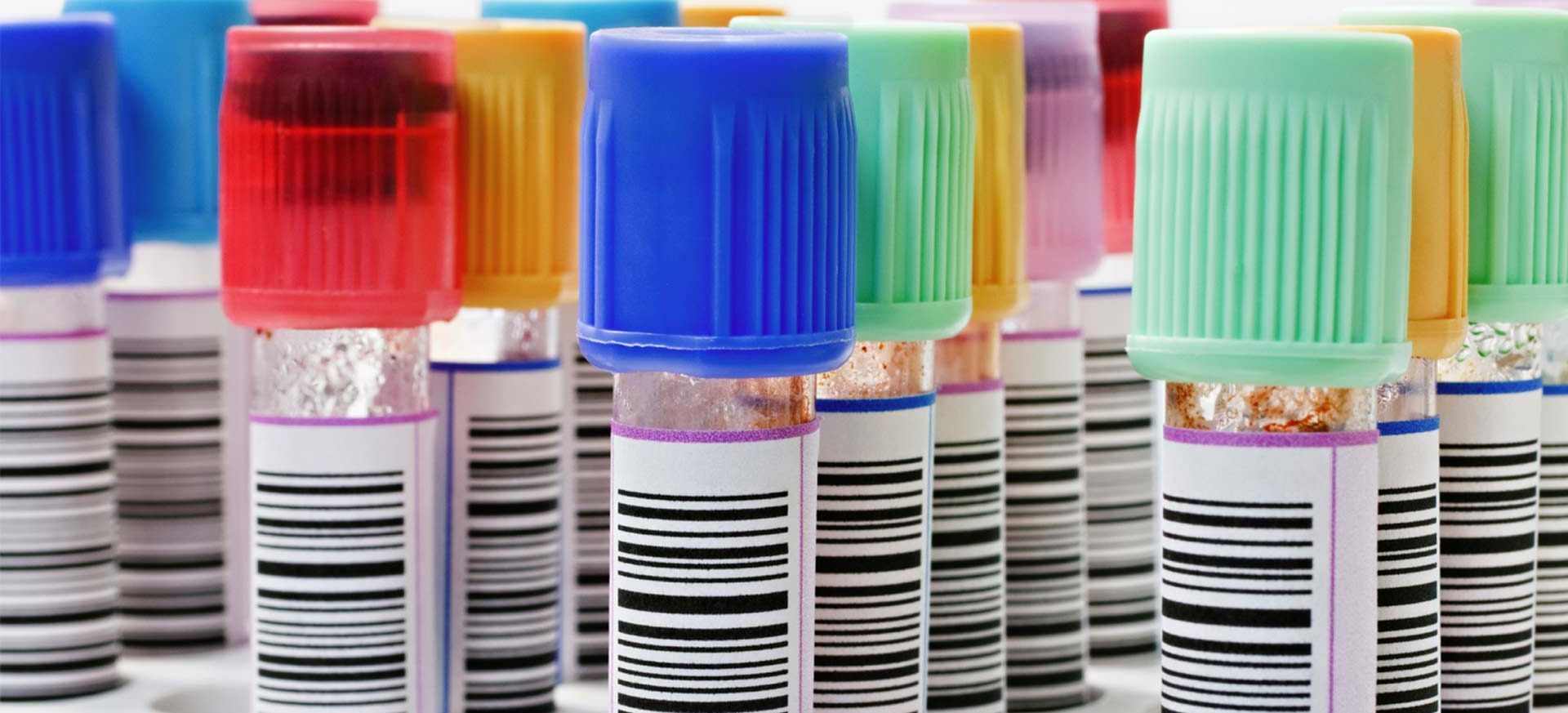
We recently supported a team experiencing poor print quality on their thermal label printer. Their labels were coming out faint, with missing lines and unclear barcodes. Believing the printer was faulty, they began looking for a replacement.

But a new printer wasn’t necessary.
The problem was simply a dirty print head.

It is a problem we see often. Many label printing teams are unaware that regular print head cleaning is not only possible but essential. Done routinely, it improves print quality, reduces downtime, and extends the life of the printer.

Why You Should Clean the Print Head

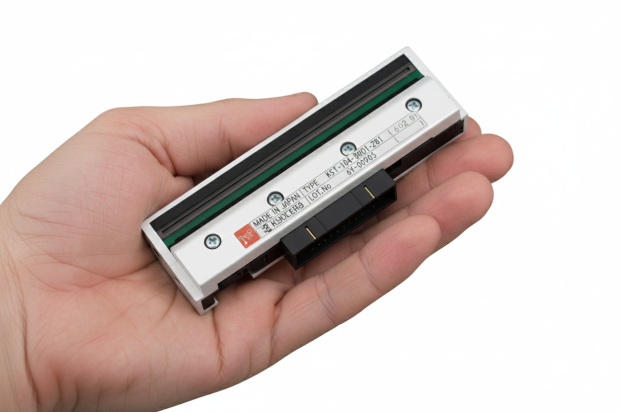
Thermal printers work by heating the print head to make marks on the label or ribbon. Over time, small bits of dust, glue or label material can stick to the print head. When this happens, this buildup can reduce print quality and lead to inconsistent performance.

Problems that may occur:

  • Light or faded print
  • Lines missing in the same place each time
  • Parts of the label not printing at all

If left dirty, the print head can even get damaged. Replacing it can be expensive. Some teams replace the whole printer when really it just needed a clean..
How to Know It Is Time to Clean

Here are some signs your print head needs cleaning:

  • The print looks weak or patchy
  • There are white lines through the text or barcode
  • You need to reprint labels often
  • Print problems are getting worse

What You Need

Cleaning your printer is simple. You only need:

  • A lint free cloth or cleaning pen
  • Isopropyl alcohol
  • A few minutes of your time

Important: Always turn the printer off and unplug it before cleaning.

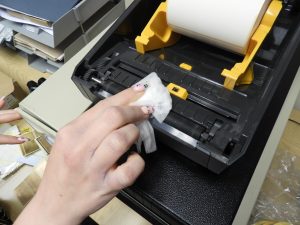
How to Clean the Print Head

  1. Turn off the printer and unplug it
  2. Open the cover to find the print head
  3. Put some alcohol on the cloth or use the cleaning pen
  4. Gently wipe the print head from side to side
  5. Let it dry fully before turning the printer back on

Do not press too hard. A soft wipe is enough.

When to Clean

We recommend cleaning the print head:

  • Every time you change a label roll or ribbon
  • Or at least once a week in busy places

This small habit can stop bigger problems later.

Why It Is Worth Doing

Cleaning the print head helps you:

  • Improves the print quality
  • Avoid wasting labels and reprinting
  • Keep your printer running longer
  • Save money on repairs

A quick clean can save you time and money

Do not wait until the printer stops working. Make print head cleaning part of your regular routine.

Useful Links:

Learn how to clean your own label printer

How to Clean and Maintain Your Label Printer (Simple Guide)

Last Updated: January 23, 2026

Search

Back to Top